
Batch Photo Resizer
Resize Hundreds of Photos at Once—Without Living in Photoshop
Tired of resizing images one by one? Resize, rename & convert whole folders for Shopify, eBay & blogs on Windows—keep aspect ratio, preview the queue. Download a free trial.
Full seller details: Legal information.
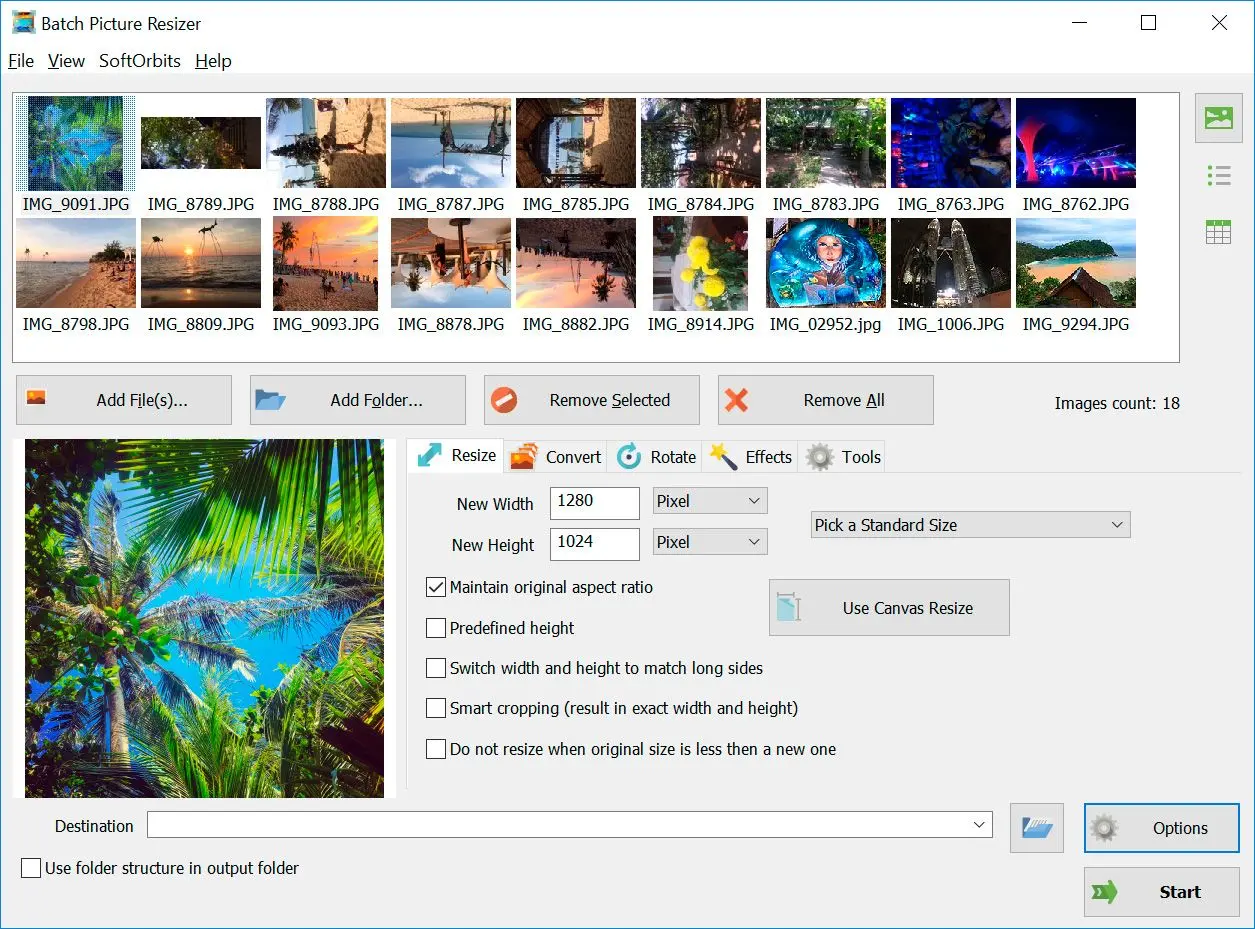
Point the app at a folder, pick output size and format, and let it run. Handy when Ebay, Shopify, or your blog needs consistent dimensions.
Built for folders, not single files
You get presets for common widths, simple sharpening controls, and a clear queue so you see what will happen before files are written.
How to use it
Add your photos
Install the app, open it, and point it at a folder of images you want to resize or convert.
Set size, format, and naming
Choose output dimensions, file type, and optional rename patterns—preview what the queue will do.
Run the batch and check results
Start processing, then open the output folder and spot-check a few files before archiving originals.
Benefits
Power through whole folders
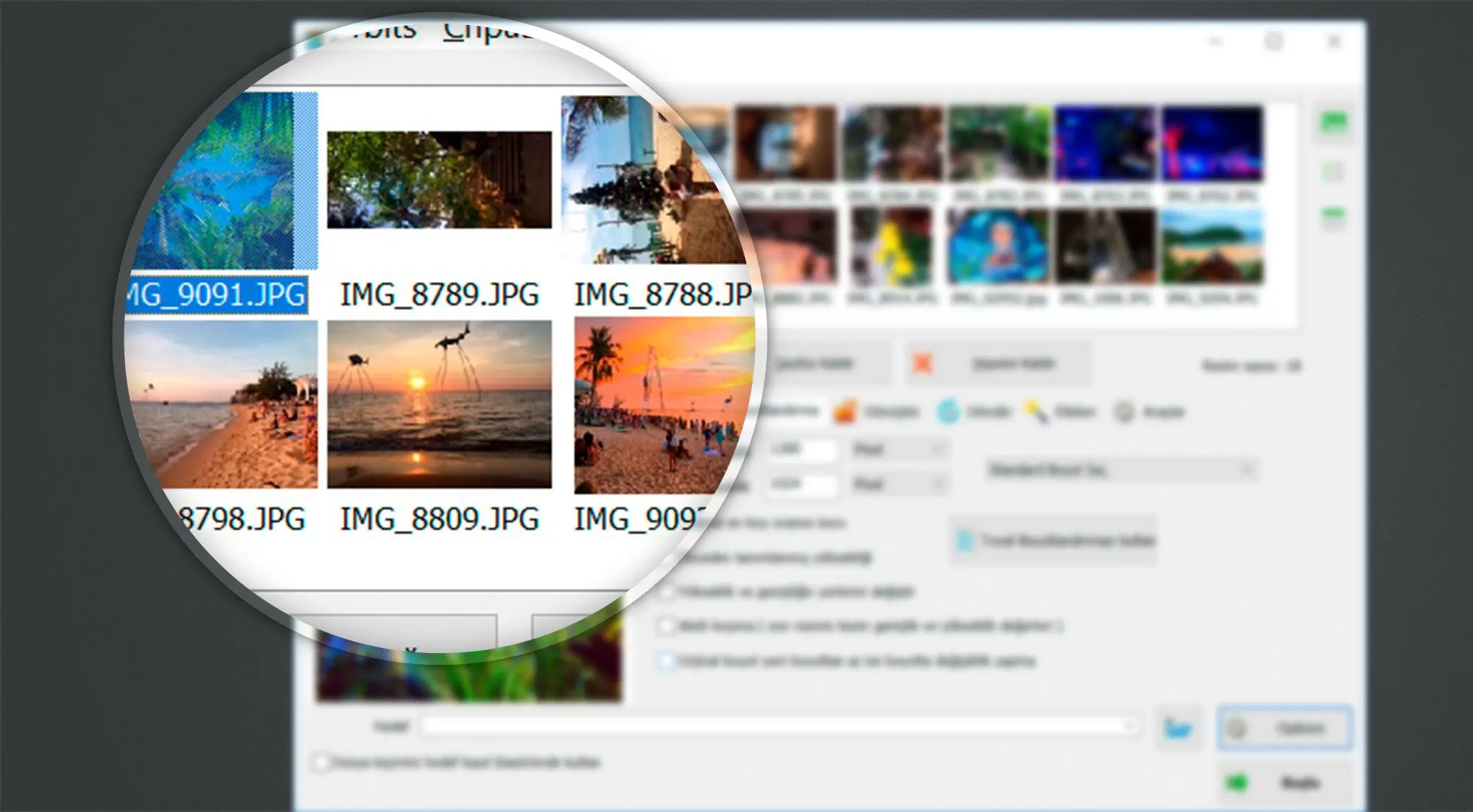
Add hundreds of photos, pick output size and format once, and let the queue run while you focus on the next task—not on clicking Save As for every frame.
Keep exports tidy
Use naming patterns and subfolders so clients and marketplaces get predictable filenames and dimensions every time.

Skip bloated editors
Resize, rotate, and convert without launching a giant creative suite when all you need is consistent output for web or print.
Why people use it
Keeps your workflow predictable
Name patterns and subfolders stay tidy, so you are not hunting for the “final_final” export.
Handles the boring repeats
Crop, rotate, and convert in one pass instead of repeating the same clicks.
Lightweight on older PCs
It skips the giant creative suite footprint—helpful on laptops that already run hot.
FAQ
System Requirements
Batch Photo Resizer
Languages
14.0
10.6 Mb
July 13, 2026
- Windows 11/10/8.1/8/7 (32/64 bit)
- Intel i3, AMD Ryzen 5 or above
- 4 GB of RAM or above
- NVIDIA® GeForce® series 8 and 8M, Intel® HD Graphics 2000, Quadro FX 4800, Quadro FX 5600, AMD Radeon™ R600, Mobility Radeon™ HD 4330, Mobility FirePro™ series, Radeon™ R5 M230 or higher graphics card with up-to-date drivers
- 1280 × 768 screen resolution, 32-bit color
- 1 GB of free hard disk space or above
GRT requirements trial note