Audio & Video to Text
Turn Hours of Recordings into Editable Text - On Your Own Machine
Drop in interviews, lectures, or call recordings and get clean .txt and .srt files. Bundled decoding handles almost any format, recognition runs on your PC after a one-time model download, and nothing is uploaded.
Full seller details: Legal information.
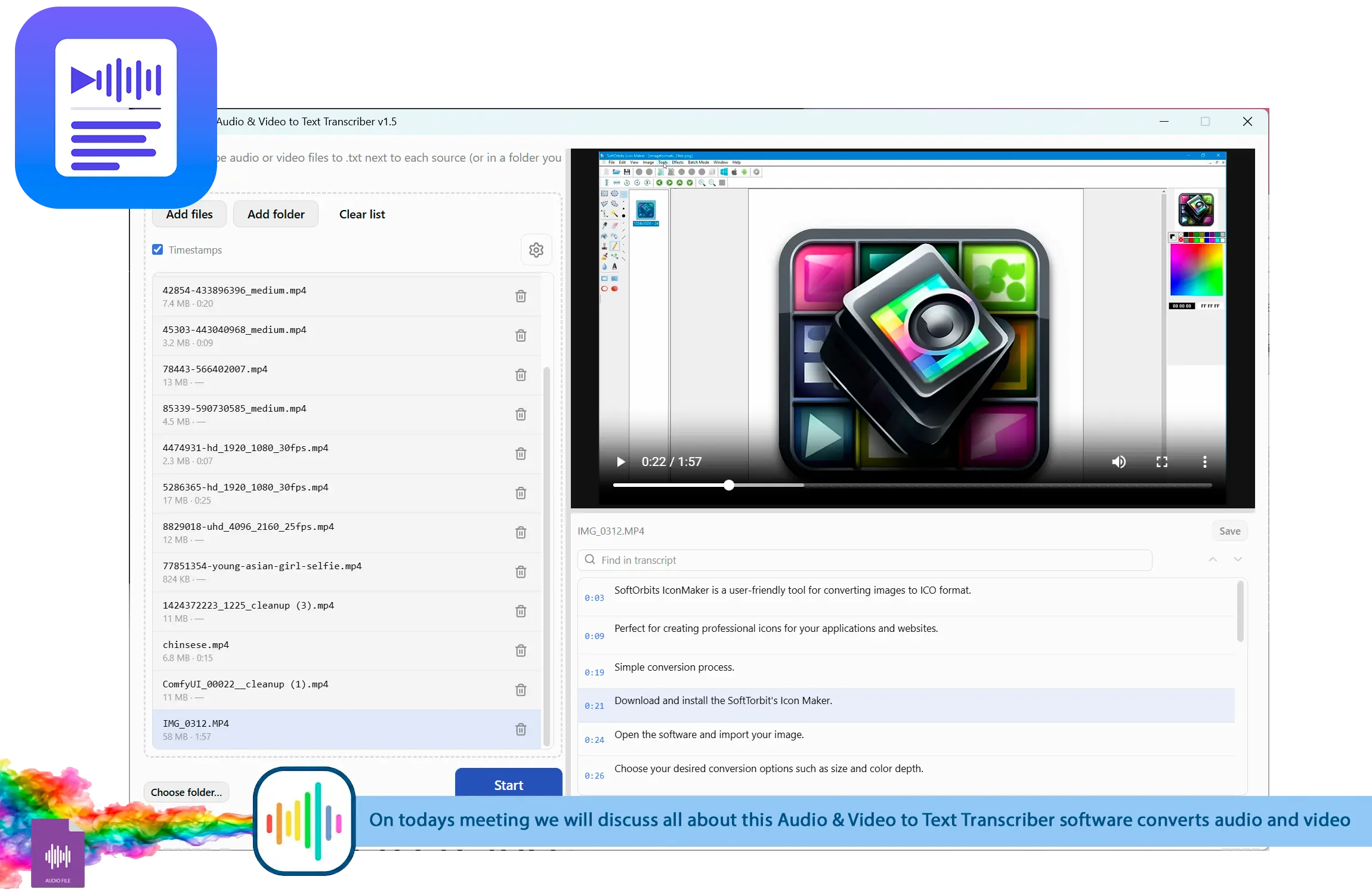
Add files or a whole folder, transcribe in a queue, then edit the text against the built-in player.
For people who already have the recordings
Interviews, lectures, meetings, and video sit unused until someone types them up. This turns the batch into text you can edit and search.
How to use it
Add your files
Drag in audio and video, pick a folder, or browse - common containers and codecs are accepted.
Transcribe the queue
Each file is converted to text on your PC; the model downloads once and then works offline.
Edit and export
Fix wording against the player, then save .txt and .srt next to the source or in one folder.
Benefits
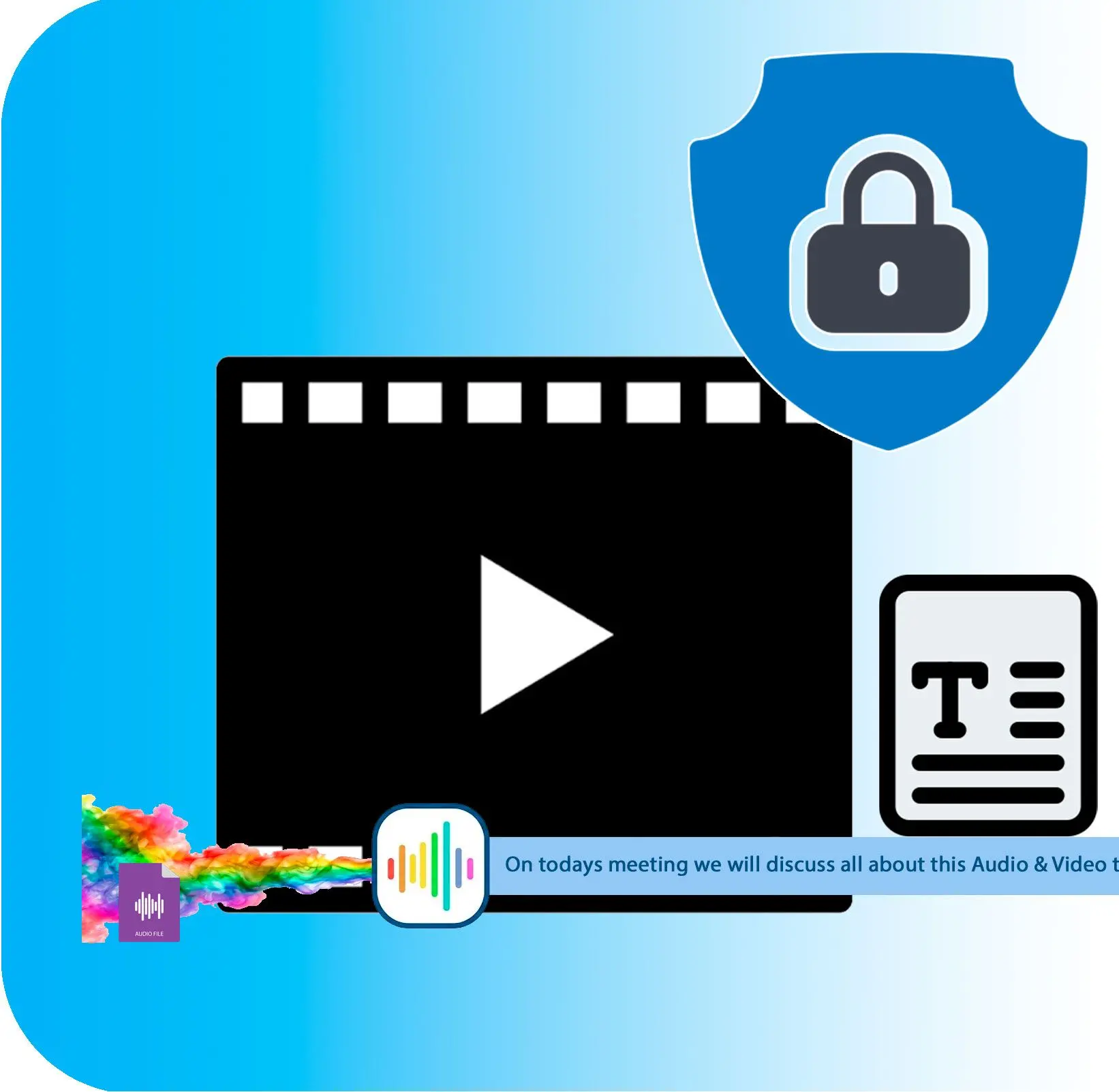
Batch any audio or video
A queue turns whole folders of recordings into text files in one pass.
Player and editor side by side
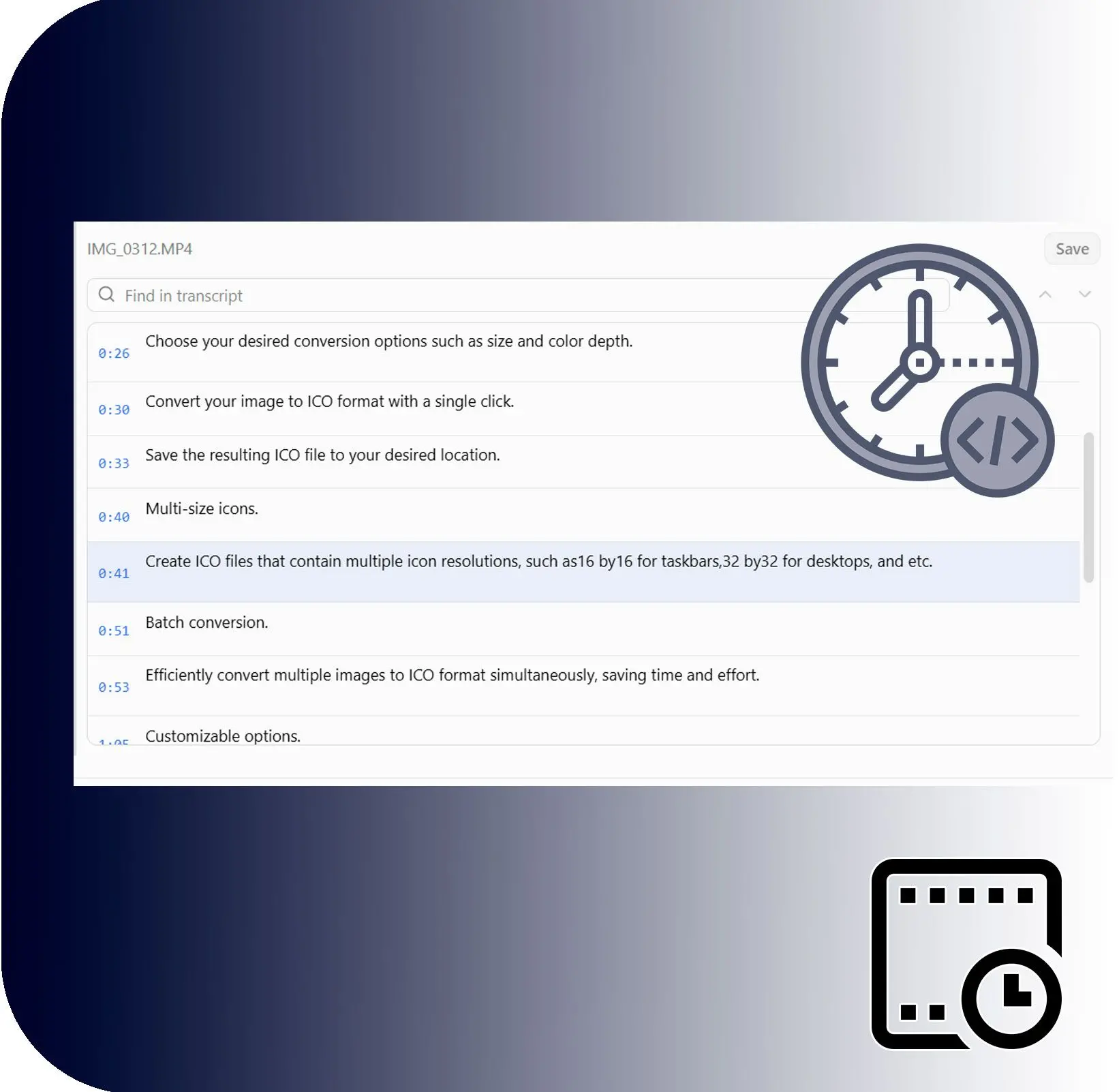
Click a segment to jump the player to that moment, then correct the transcript in place.
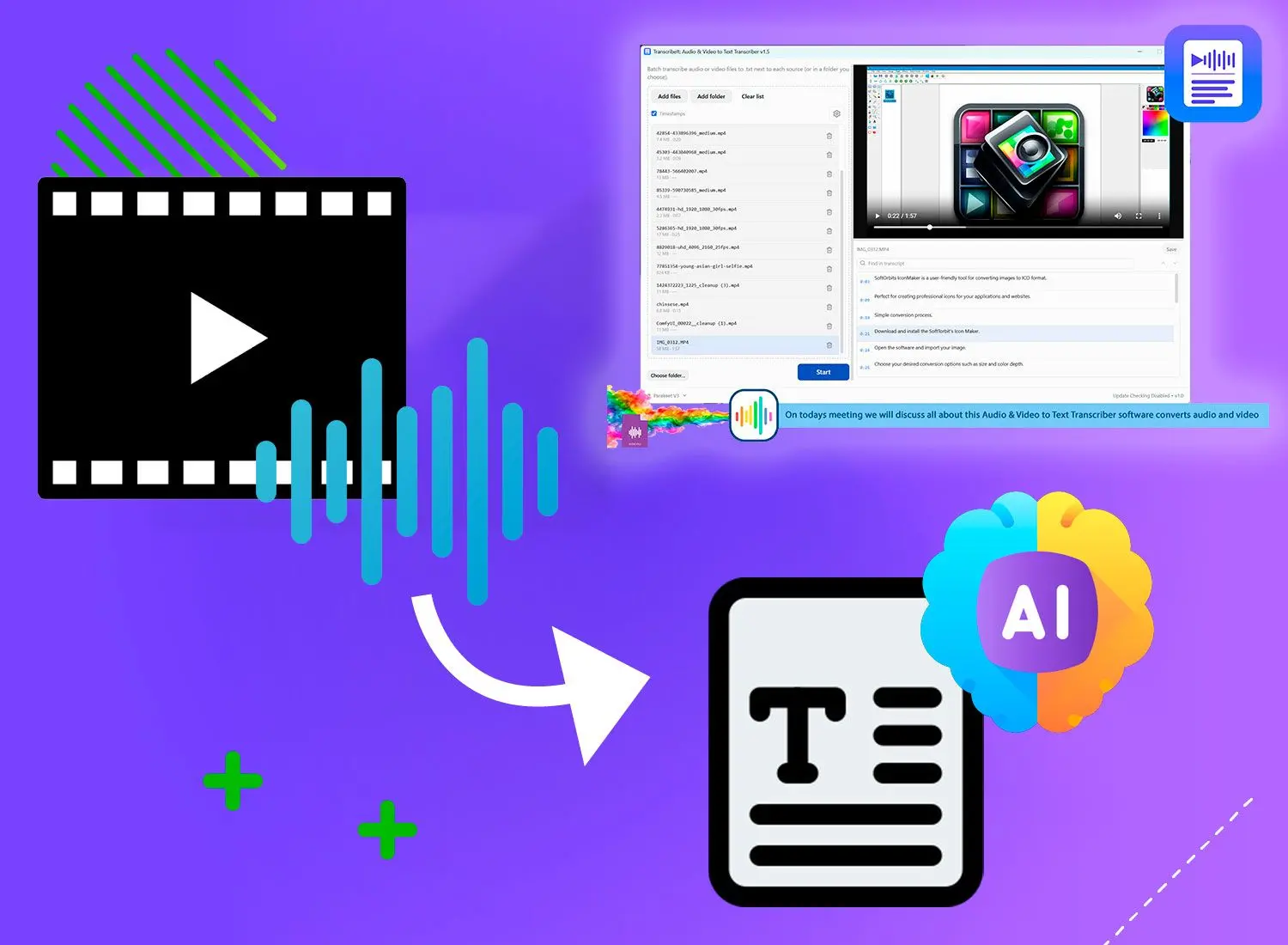
Stays on your computer
Recognition runs locally after the first download, so private recordings are never uploaded.
Why people use it
Wide format support
Bundled decoding reads formats a lightweight player would reject, like avi, wmv, and ts.
Timecodes and subtitles
Segment timing exports as .srt for captions, with click-to-seek while you edit.
Built for long sessions
A resizable file list and split studio view keep big batches manageable.
FAQ
System Requirements
Audio & Video to Text
Languages
1.0
250 Mb
August 6, 2026
- Windows 11/10/8.1/8/7 (32/64 bit)
- Intel i3, AMD Ryzen 5 or above
- 4 GB of RAM or above
- NVIDIA® GeForce® series 8 and 8M, Intel® HD Graphics 2000, Quadro FX 4800, Quadro FX 5600, AMD Radeon™ R600, Mobility Radeon™ HD 4330, Mobility FirePro™ series, Radeon™ R5 M230 or higher graphics card with up-to-date drivers
- 1280 × 768 screen resolution, 32-bit color
- 1 GB of free hard disk space or above
GRT requirements trial note