
Mac Mail to PST Migrator
Take Your Apple Mail Archive From Mac to Outlook on Windows
Move your Apple Mail archive from Mac to Outlook on Windows. Reads .mbox and .emlx files and writes a Unicode PST with subjects, senders, and attachments intact.
Full seller details: Legal information.
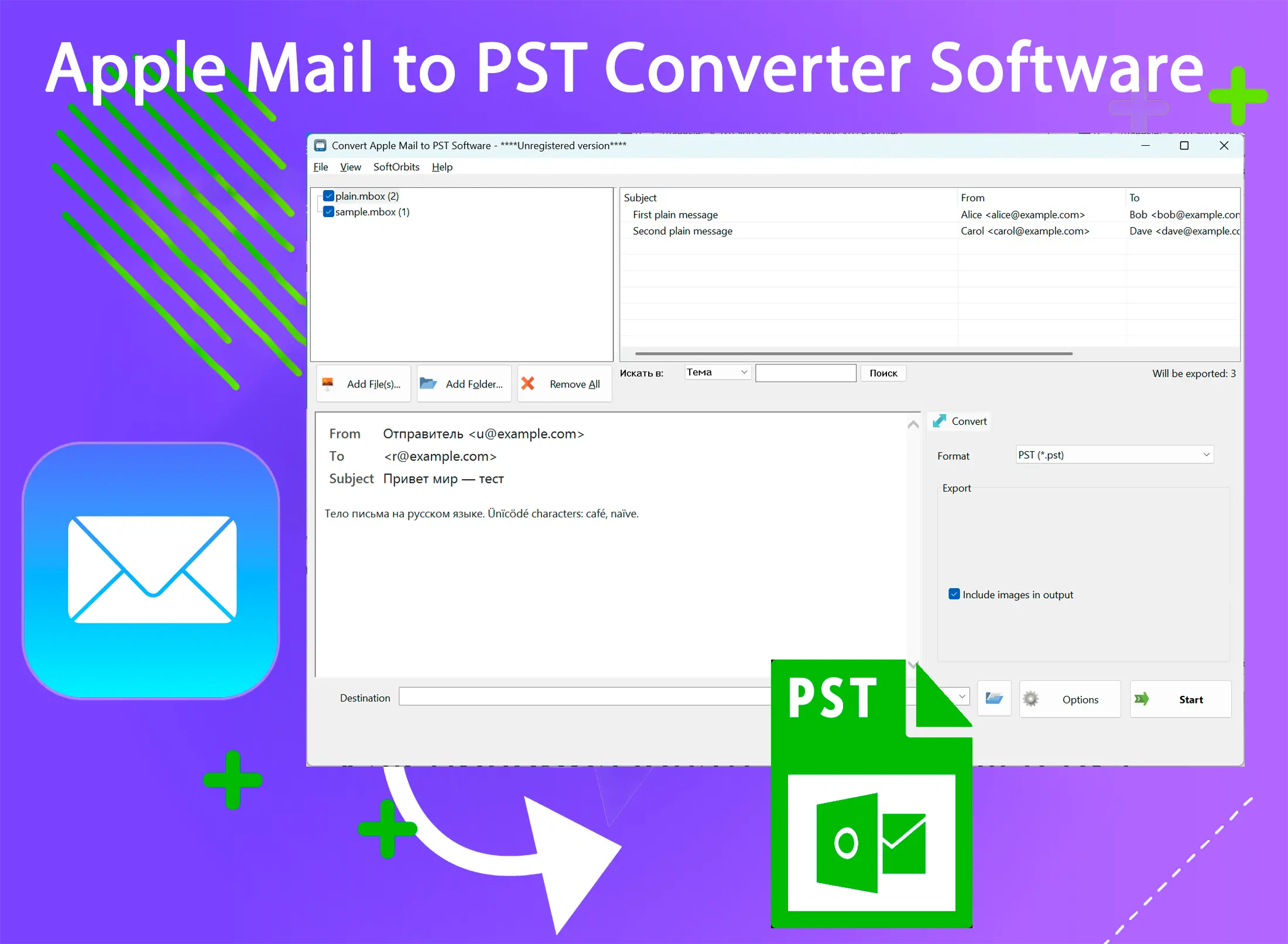
Everything runs on your own PC - no Mac, no live account, no cloud upload.
Apple Mail Doesn't Export to a Format Outlook Understands
Apple Mail's Export Mailbox command produces a .mbox package, and the app itself stores messages as .emlx files - but Outlook's import menu only accepts PST or CSV. Once you've copied that Mail data off the Mac, this converter reads both formats and writes a PST you can open directly in Outlook.
How to use it
Step 1: Point It at Your Mbox or Emlx Files
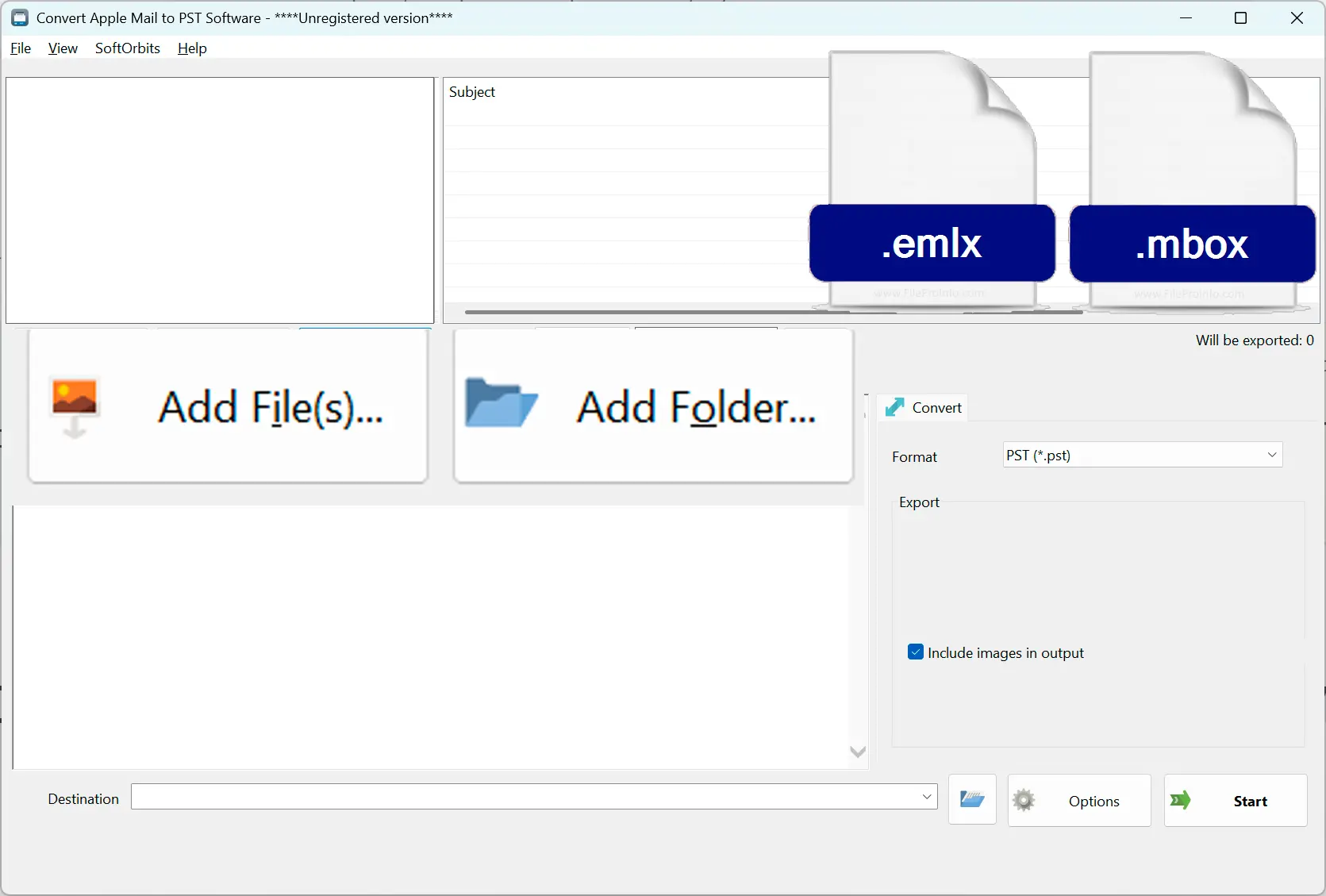
Add one or more .mbox packages, individual .emlx files, or a mix of both - the file list accepts either type from the same Apple Mail export.
Step 2: Convert on Your PC
Conversion runs locally; nothing is uploaded anywhere, and you don't need Outlook open or a Mac connected while it works.
Step 3: Open the PST in Outlook
Add the finished PST as a data file in Outlook and your Apple Mail folders, messages, and attachments are there, ready to browse.
Benefits

Reads Both .mbox and .emlx
Apple Mail's Export Mailbox gives you .mbox, but the app itself stores individual messages as .emlx - a raw RFC822 message wrapped in a length header and an Apple plist footer - and this tool accepts either one.
Unicode Subjects and Attachments Preserved
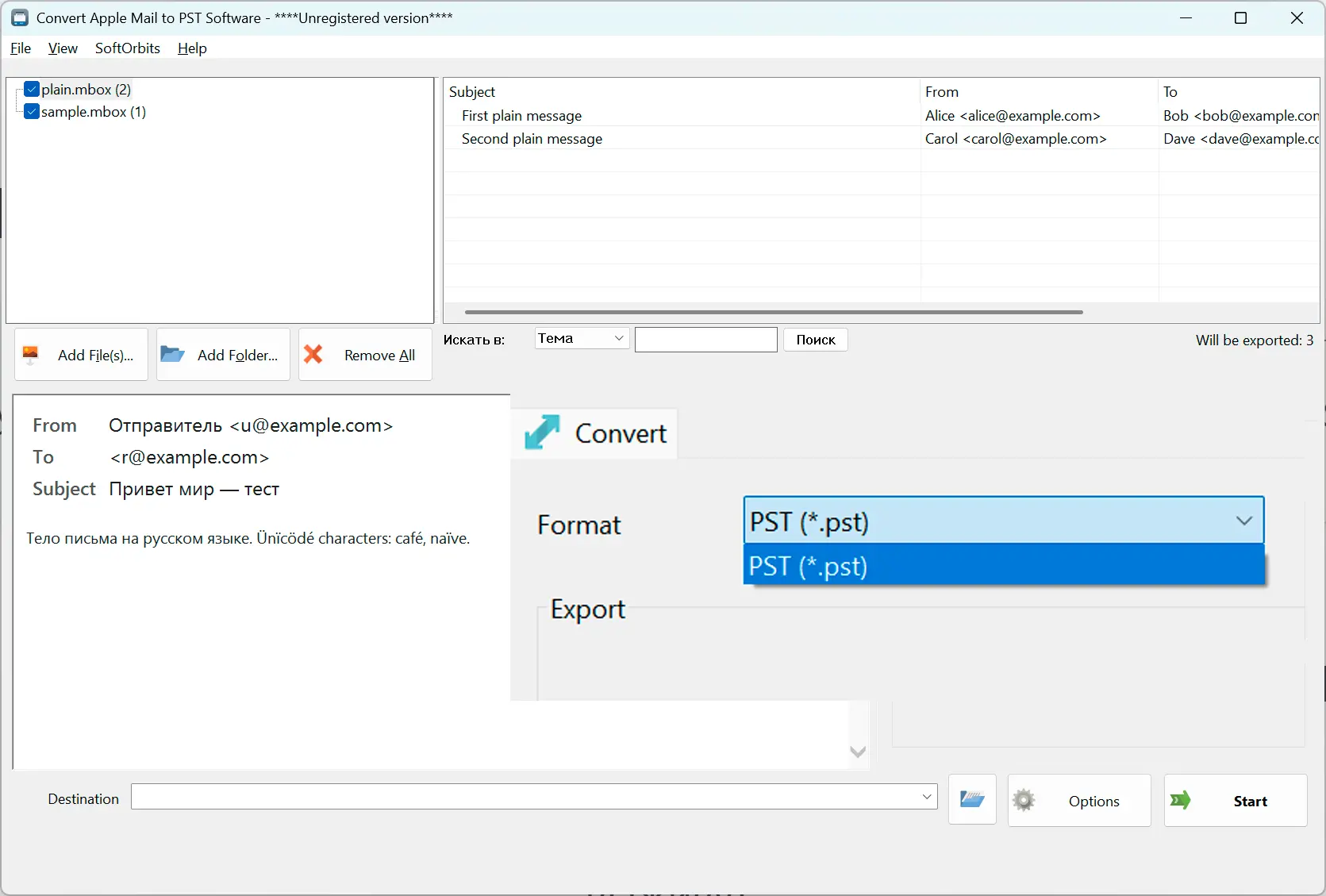
Subject lines in any script, sender addresses, HTML and plain-text bodies, dates, and attachments carry over byte for byte into the PST.
No Mac, No Cloud, No Live Account
Once the Mail data is copied to your PC, conversion happens entirely offline - there's no IMAP login, no server upload, and no need to keep the Mac around.
Why people use it
One PST per File or One Merged Archive
Leave folders separate with one PST per source file, or turn on merge to combine every .mbox and .emlx into a single PST with each source in its own top-level folder.
Not the Same as Outlook for Mac
Apple Mail and Outlook for Mac are different apps with different export formats - Outlook for Mac uses OLM, not .mbox or .emlx - so check which one you actually have before converting.
Tested Against Real Outlook
Output has been verified by opening the resulting PST in Outlook 2016, with folders, subjects, and attachments checked against the source Apple Mail data.
FAQ
System Requirements
Mac Mail to PST Migrator
Languages
1.0
9 Mb
August 5, 2026
- Windows 11/10/8.1/8/7 (32/64 bit)
- Intel i3, AMD Ryzen 5 or above
- 4 GB of RAM or above
- NVIDIA® GeForce® series 8 and 8M, Intel® HD Graphics 2000, Quadro FX 4800, Quadro FX 5600, AMD Radeon™ R600, Mobility Radeon™ HD 4330, Mobility FirePro™ series, Radeon™ R5 M230 or higher graphics card with up-to-date drivers
- 1280 × 768 screen resolution, 32-bit color
- 1 GB of free hard disk space or above
GRT requirements trial note